 Login/Register


If you’ve spent any time shopping for a next-generation firewall (NGFW), you’ve almost certainly landed on this exact question: FortiGate or Palo Alto — which one do I actually buy?
It’s one of the most searched firewall comparisons in the networking world, and for good reason. Both Fortinet FortiGate and Palo Alto Networks PA-Series firewalls sit at the top of Gartner’s Magic Quadrant for network firewalls, both protect everything from five-person offices to national data centers, and both sales teams will tell you theirs is “the best firewall on the market.” So let’s cut through the marketing and actually compare them — hardware, software, licensing, and total cost of ownership — the way an engineer (not a salesperson) would.
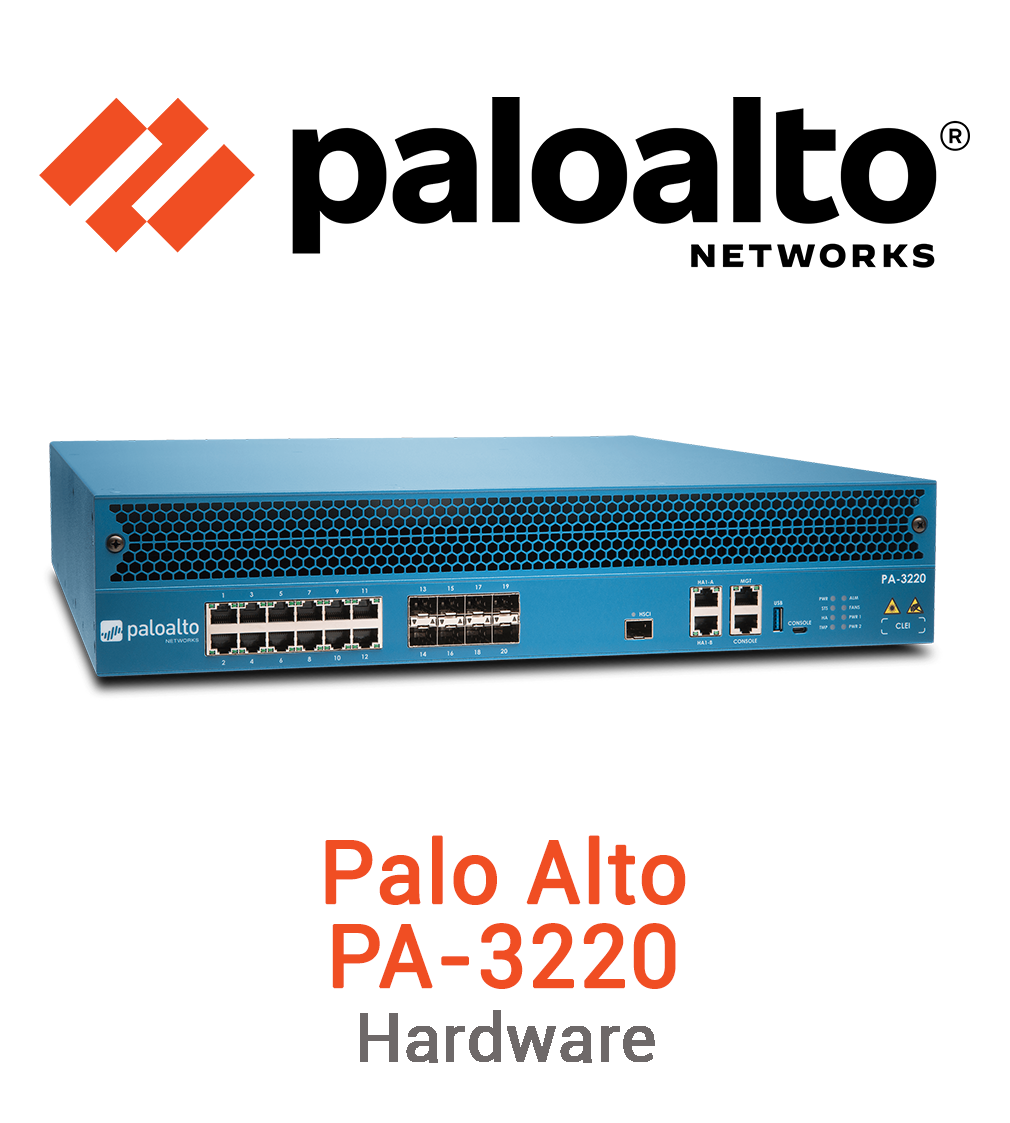

The Quick Answer
If you just want the one-line version before we go deep:
Choose FortiGate if you want the best price-per-Gbps, built-in SD-WAN, and an all-in-one security fabric (firewall + switches + access points + endpoint) without a huge licensing bill.
Choose Palo Alto if your priority is best-in-class threat prevention, deep application visibility, and centralized management at true enterprise scale — and budget is a secondary concern.
Neither firewall is objectively “better” in a vacuum. The right pick depends on your network size, your compliance requirements, and how much you’re willing to pay for the last few percentage points of threat detection accuracy. Let’s break down exactly why.
FortiGate Firewall: Hardware, Software & Licensing

Hardware
FortiGate’s biggest architectural advantage is that Fortinet designs its own custom silicon — the NP7 network processor and the CP9 security processor — instead of relying purely on general-purpose CPUs. This is why FortiGate appliances consistently top the charts for throughput-per-dollar: the heavy lifting of IPsec VPN, IPS pattern matching, and SSL/TLS inspection happens in hardware, not software.
The FortiGate hardware lineup covers nearly every use case:
FortiGate 40F / 60F / 80F – small office and branch firewalls
FortiGate 100F / 200F – mid-size business and campus firewalls
FortiGate 600–1800 series – enterprise core firewalls
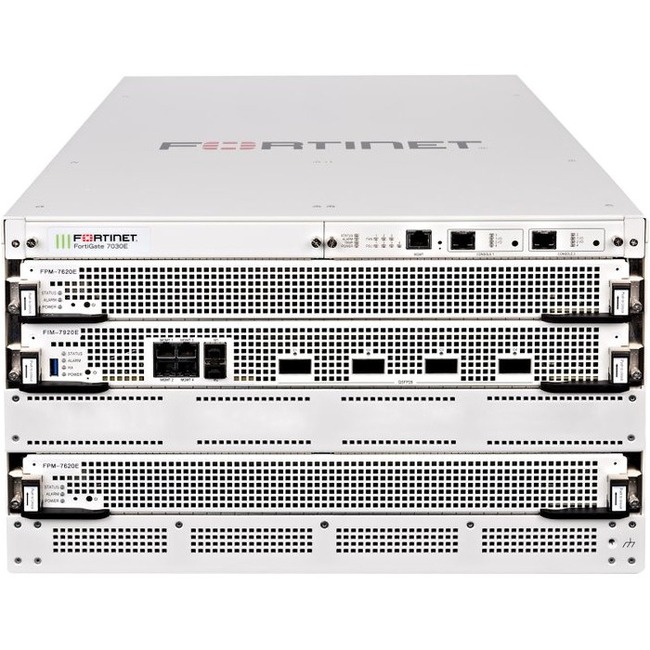
FortiGate 3000–7000 series– data center and service-provider-grade chassis firewalls
Software (FortiOS)
FortiOS is Fortinet’s single operating system across the entire lineup, which means the interface, CLI syntax, and feature set stay largely consistent whether you’re running a $500 branch box or a six-figure data center chassis. FortiOS bundles SD-WAN natively at no extra license cost on most tiers, along with IPS, antivirus, application control, and web filtering as part of the FortiGuard subscription.
Licensing
This is where FortiGate wins the most hearts among budget-conscious IT teams. Instead of stacking separate subscriptions for every feature, Fortinet bundles security services into a small number of simplified tiers:
UTP (Unified Threat Protection)– the standard bundle for SMBs: IPS, antivirus, web filtering, application control, and anti-spam.
ATP (Advanced Threat Protection) – adds sandboxing and enhanced threat analysis.
Enterprise Protection Bundle – Fortinet’s top tier: everything in ATP plus advanced analytics, inline malware prevention, and premium support.
Management is handled through FortiManager (centralized policy) and FortiAnalyzer (centralized logging), both licensed separately but typically far cheaper than Palo Alto’s equivalent.
Palo Alto Firewall: Hardware, Software & Licensing
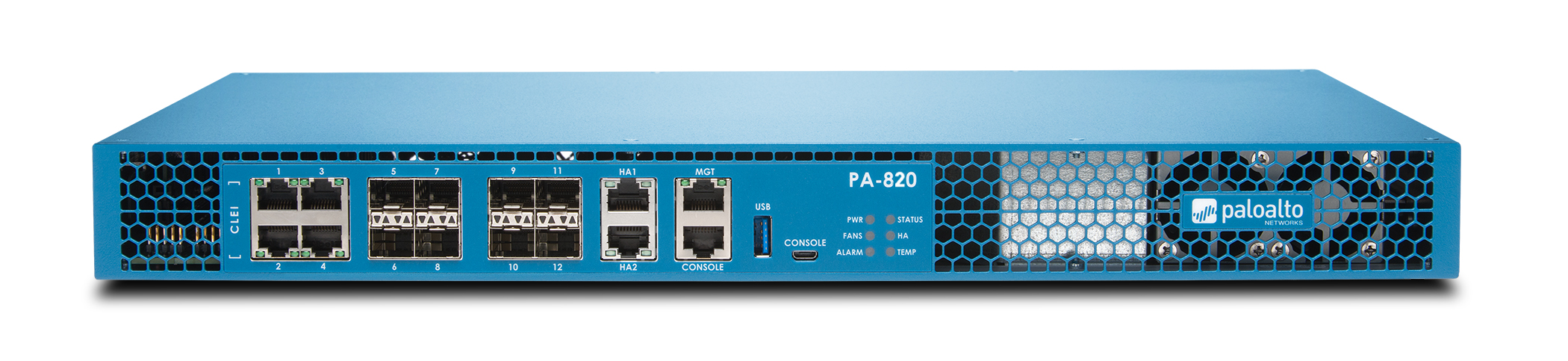
Hardware
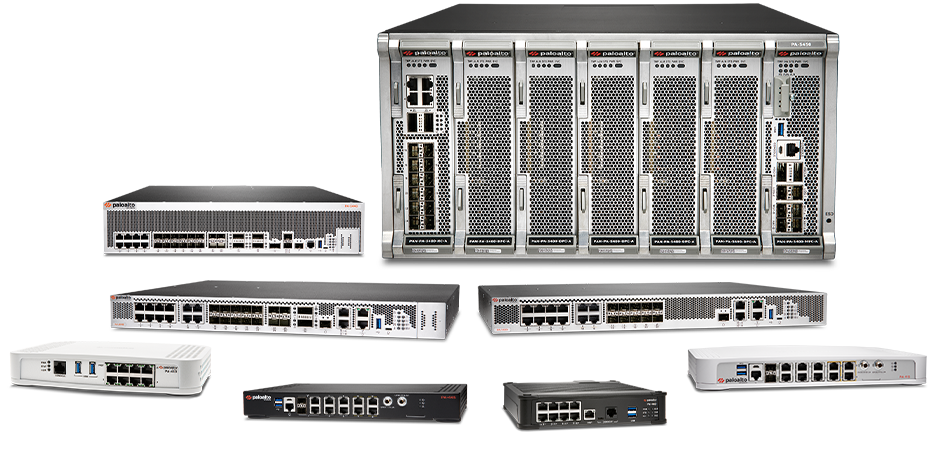
Palo Alto Networks practically invented the modern NGFW category, and its PA-Series appliances remain the benchmark competitors measure themselves against. The lineup includes:
PA-410 / PA-440 – small branch and remote office firewalls
PA-1400 / PA-3400 series– mid-market and campus firewalls
PA-5400 series – large enterprise firewalls
PA-7000 series– modular data center chassis supporting up to 400 Gbps of App-ID-enabled throughput
Software (PAN-OS)
Palo Alto’s PAN-OS is built around single-pass parallel processing, where App-ID (application identification), User-ID, and Content-ID all run within the same inspection pass rather than as bolt-on modules. This is the technical reason Palo Alto is widely regarded as having some of the deepest application-layer visibility in the industry — it can identify and control traffic by the actual application in use, not just the port or protocol.
Licensing
Here’s the honest trade-off: Palo Alto’s licensing is modular, meaning each capability is sold as its own subscription:
Threat Prevention (IPS + anti-malware + C2 protection)
Wild Fire (cloud-based sandboxing for unknown files and zero-day threats)
Advanced URL Filtering
DNS Security
Global Protect (remote access VPN)
This modularity gives you granular control over exactly what you pay for — great if you only need one or two of these. But a fully loaded, “everything enabled” deployment adds up fast, and centralized management through Panorama requires its own separate license on top.
Performance and Real-World Throughput
Because Fortinet handles inspection in dedicated silicon, FortiGate appliances tend to hold their rated throughput even under heavy SSL/TLS decryption load — this is traditionally the workload that crushes performance on software-based firewalls. Independent evaluations have repeatedly shown FortiGate’s throughput-per-dollar advantage widening specifically at the TLS-inspection layer, which is now the majority of real-world traffic.
Palo Alto’s single-pass architecture is efficient by design too — its PA-3400 series has sustained SSL inspection throughput within a relatively small margin of its rated clear-text speed in independent lab testing. The difference shows up less in raw performance and more in price: you’ll generally pay more per Gbps of inspected throughput to get there.
Bottom line: if throughput-per-dollar is your main constraint (think: high-traffic branch networks, service providers, or data centers on a budget), FortiGate has the edge. If you need guaranteed consistent performance with every advanced feature switched on and cost is secondary, Palo Alto holds up extremely well.
Security Effectiveness
This is the category where opinions get heated, so let’s be fair to both sides:
Palo Alto has historically led independent threat-prevention testing, largely thanks to Unit 42 threat research and WildFire’s cloud sandboxing for zero-day and novel malware. For organizations in high-risk sectors (finance, government, critical infrastructure), this track record still carries real weight.
FortiGate has closed a meaningful amount of that gap over the past several years. FortiGuard Labs’ threat intelligence, combined with AI-driven malware detection in FortiSandbox, now performs competitively in independent evaluations like MITRE ATT&CK testing, and both vendors typically land in the top tier.
In practice, both platforms are certified, audited, and deployed at massive scale — the security gap between them today is smaller than the price gap.
Cost Comparison: What Will You Actually Pay?
This is usually the deciding factor, so here’s the realistic breakdown:
FortiGate typical costs
– Entry-level hardware (FortiGate 40F class): roughly $450–$650
– FortiGuard subscriptions typically add 30–60% of hardware cost per year
– Small business, single appliance: $2,000–$10,000/year all-in
– Multi-site mid-market: $25,000–$150,000/year
– Large enterprise fleets: can exceed $500,000/year
Palo Alto typical costs
– Entry-level hardware (PA-410 class): starts around $1,000
– Subscription bundles (Threat Prevention, WildFire, DNS Security, URL Filtering) often exceed the hardware cost itself over a multi-year term
– Pricing is largely quote-based, scoped by a reseller to your throughput and feature requirements
– Data center-class PA-7000 hardware can run well over $200,000
Five-Year TCO
At an equivalent 10 Gbps inspected throughput tier, a representative five-year total cost of ownership comparison typically shows FortiGate running 40–60% lower than an equivalent Palo Alto deployment. That gap narrows somewhat over longer contract terms as Palo Alto’s bundled multi-year subscription pricing improves, but it rarely closes completely.
The counterpoint some analysts raise: organizations running Palo Alto have, in some studies, reported lower total incident costs — the premium partly pays for itself in fewer and less severe breaches. Whether that trade-off is worth it depends entirely on your risk profile.
FortiGate Pros and Cons
Pros
– Lower hardware and licensing cost at every tier
– Native SD-WAN with no extra license in most cases
– One vendor for firewall, switching, Wi-Fi, and endpoint (Security Fabric)
– Simple, bundled licensing that’s easy to budget for
– Excellent throughput-per-dollar, especially for SSL inspection
Cons
– Management interface can feel more complex at very large scale compared to Panorama
– Historically fewer independent vulnerability disclosures and threat-intel publications than Palo Alto’s Unit 42
– Hardware can run warmer under sustained full-load traffic on some models
Palo Alto Pros and Cons
Pros
– Best-in-class application visibility (App-ID) and policy granularity
– Strong, long-standing reputation in independent threat-prevention testing
– Panorama offers very deep centralized management for large, complex estates
– Mature standalone SASE platform (Prisma Access) for cloud-first and zero-trust architectures
Cons
– Higher hardware acquisition cost across nearly every tier
– Modular, à la carte licensing adds up quickly on a fully-featured deployment
– Panorama requires its own separate license
– Total cost of ownership is meaningfully higher over a 5-year term
Which Firewall Is Better? It Depends on This
There’s no universal winner — but there is a clear answer for your specific situation:
Startups, SMBs, and branch offices— FortiGate wins on cost, simplicity, and bundled SD-WAN. You get enterprise-grade protection without an enterprise-grade invoice.
Mid-market companies scaling fast— FortiGate’s Security Fabric (firewall + switches + Wi-Fi + endpoint under one management console) keeps operational overhead low as you grow.
Large enterprises and regulated industries (finance, healthcare, government) — Palo Alto’s threat-prevention track record, deep App-ID visibility, and Panorama’s management depth justify the premium when compliance and breach risk carry heavy financial consequences.
Cloud-first and zero-trust organizations— Palo Alto’s Prisma SASE is the more mature standalone platform if you’re not already standardized on one vendor’s ecosystem.
Organizations already invested in one ecosystem— sticking with your existing vendor (Fortinet Security Fabric or Palo Alto Cortex/Prisma) usually beats switching, purely on integration and training cost.
A firewall is a 5–7 year infrastructure commitment. The right move is to size your actual throughput needs, list the compliance requirements you can’t compromise on, and then compare quotes for FortiGate and Palo Alto side by side at that exact tier — not just the marketing brochure numbers.
Frequently Asked Questions
Is FortiGate cheaper than Palo Alto?
Yes, in almost every hardware and licensing tier, FortiGate typically costs 30–60% less than an equivalent Palo Alto deployment, largely due to Fortinet’s custom silicon and bundled licensing model.
Is Palo Alto more secure than FortiGate?
Palo Alto has historically scored slightly higher in independent threat-prevention testing, but FortiGate has closed much of that gap in recent years. Both are consistently rated in the top tier by major testing bodies.
Does FortiGate include SD-WAN for free?
FortiGate has shipped SD-WAN as a native FortiOS capability since 2017, meaning most tiers include it without a separate license — unlike Palo Alto, which licenses SD-WAN separately.
Which firewall is better for a small business?
FortiGate is generally the better fit for small and mid-sized businesses thanks to its lower entry cost, bundled licensing, and simpler management.
Which firewall is better for a large enterprise or data center?
Both scale well, but the choice usually comes down to budget versus best-in-class threat prevention: FortiGate for cost efficiency at scale, Palo Alto for organizations prioritizing top-tier detection and centralized policy management across a complex, hybrid estate.
Final Thoughts
FortiGate and Palo Alto are both genuinely excellent firewalls — this isn’t a case of one being “good” and the other “bad.” It’s a trade-off between cost efficiency and premium threat prevention, and the right answer depends entirely on your budget, your compliance obligations, and how your network is expected to grow over the next five years.
If you’re currently comparing hardware, licenses, and pricing for your own deployment, it’s worth getting quotes for both at your exact required throughput tier before deciding — the gap (or lack of one) becomes much clearer once you’re looking at real numbers instead of list prices.
*Looking to buy FortiGate or enterprise networking hardware? Browse our current stock and get a tailored quote for your business.*
 Share
Share
2 Comments
Student
September 15, 2026Very informative Article
Muhammad Manzoor
September 16, 2026Thanks for linking 🙂