 Login/Register


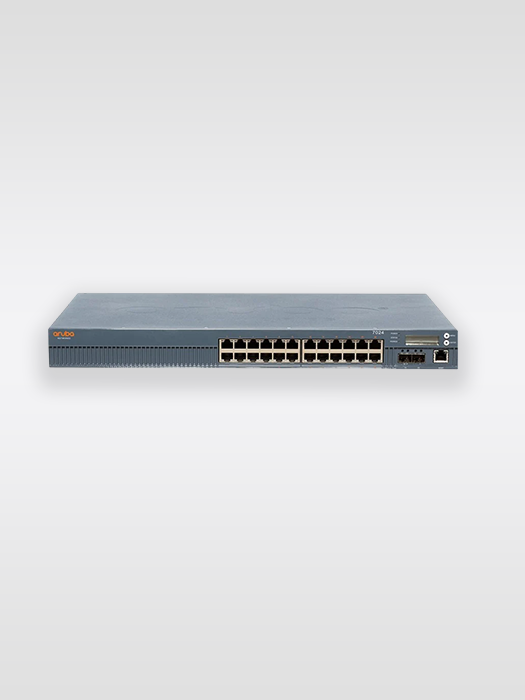
1. Download Putty and Start Putty with these Telnet settings
- Baud 9600
- Data Bits: 8
- Stop Bits: 1
- Parity: None
- Flow Control: Off
2. Connect the Console Cable (RJ45 to DB9 – Serial port)
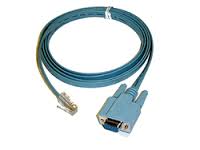
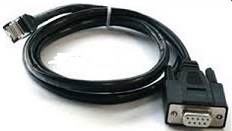
3. Open word, then type in the Serial Number of your Fortinet : (for example FG300B3908605531)
4. Login as maintainer
5. Enter Password : bcpbFG300B9998605531 (add bcpb to the beginning of the Serial Number)
6. Execute “factoryreset” and Press “y“
7. Login as admin
8. Set empty password by pressing enter
9. Exit and shutdown – #exit
 Share
Share

