 Login/Register


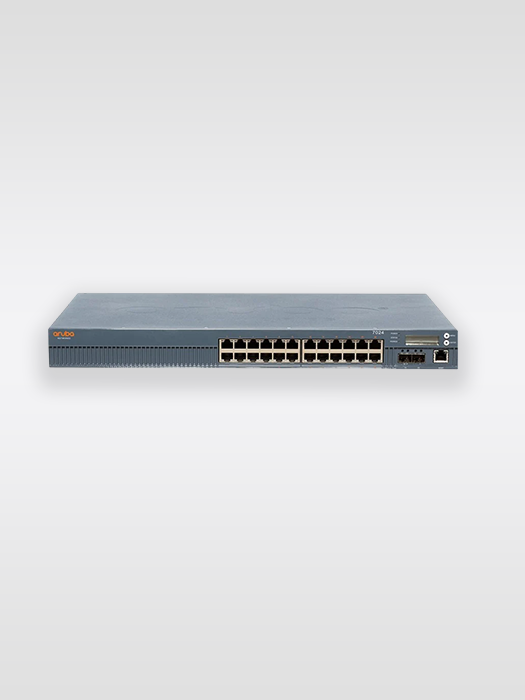
Recover Admin Password by Performing FortiGate Factory Reset
If you have forgotten the administrator password for a Fortinet FortiGate firewall and cannot access the web-based management interface or CLI, a factory reset can restore the appliance to its default configuration.
However, a FortiGate factory reset is destructive. It removes the existing firewall configuration, including interface settings, policies, objects, VPN configuration, routing, administrator settings, and other customized settings.
Therefore, use this procedure only when you have authorized access to the FortiGate and there is no usable configuration backup or alternative administrator accou
1. Download Putty and Start Putty with these Telnet settings
- Baud 9600
- Data Bits: 8
- Stop Bits: 1
- Parity: None
- Flow Control: Off
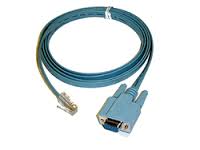
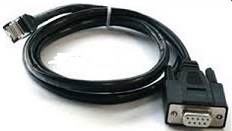
2. Connect the Console Cable (RJ45 to DB9 – Serial port)
3. Open word, then type in the Serial Number of your Fortinet : (for example FG300B3908605531)
4. Login as maintainer
5. Enter Password : bcpbFG300B9998605531 (add bcpb to the beginning of the Serial Number)
6. Execute “factoryreset” and Press “y“
7. Login as admin
8. Set empty password by pressing enter
9. Exit and shutdown – #exit
Frequently Asked Questions
Can I recover a FortiGate admin password without resetting the firewall?
Depending on the FortiOS version, model, and available administrative access, alternative recovery options may exist. Check for another administrator account, centralized management, or an existing configuration backup before performing a factory reset.
Does a FortiGate factory reset delete the configuration?
Yes. A factory reset is intended to return the appliance to its default configuration state. Existing firewall policies, interfaces, VPNs, objects, routes, and administrator configuration can be lost.
Can I restore my FortiGate configuration after a factory reset?
Yes, if you have a compatible configuration backup. Always verify the FortiOS version and FortiGate hardware model before restoring a configuration.
Do all FortiGate models use the same reset procedure?
No. The exact recovery and reset procedure can vary between FortiGate hardware models and FortiOS versions. Always verify the procedure for your specific model.
What should I do after resetting my FortiGate?
Reconnect through the appropriate management interface or console, complete the initial setup, create a strong administrator password, restore a compatible backup if available, rebuild the required configuration if necessary, and create a fresh configuration backup.
 Share
Share