 Login/Register


How to Remove a DN Button on CUCM
If you need to remove a DN button on CUCM, you can remove the directory number (DN) from the Cisco IP phone configuration through Cisco Unified Communications Manager (CUCM). A DN represents the extension assigned to a phone button.
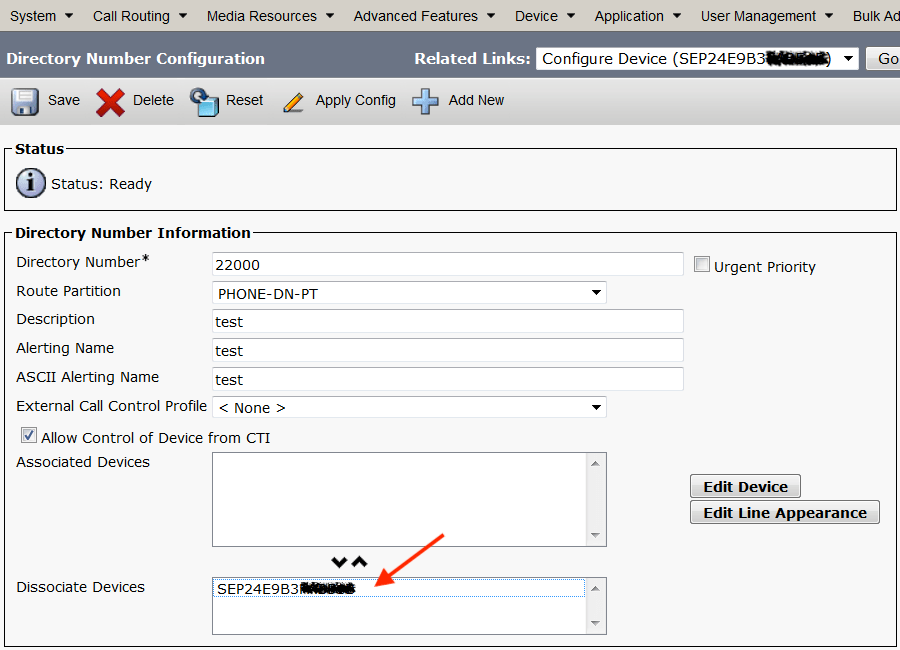
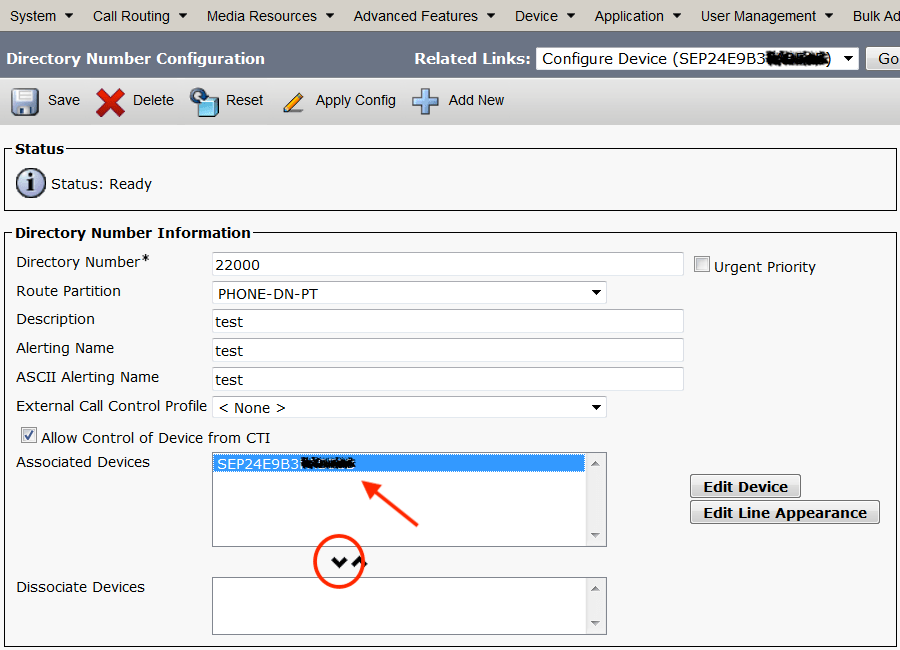
To remove a DN from a button, DO NOT delete it using the big red X button – doing this will delete the DN from the system, and every phone that has it assigned will lose it! Instead, un-associate the DN from the specific device to remove the DN appearance:
- Click the phones MAC address in the Associated Devices box
- Click the down arrow to move the MAC to the Dissociate Devices box
- Click SAVE
 Share
Share